Building document templates
Reusable checklists that define exactly what each client must send.
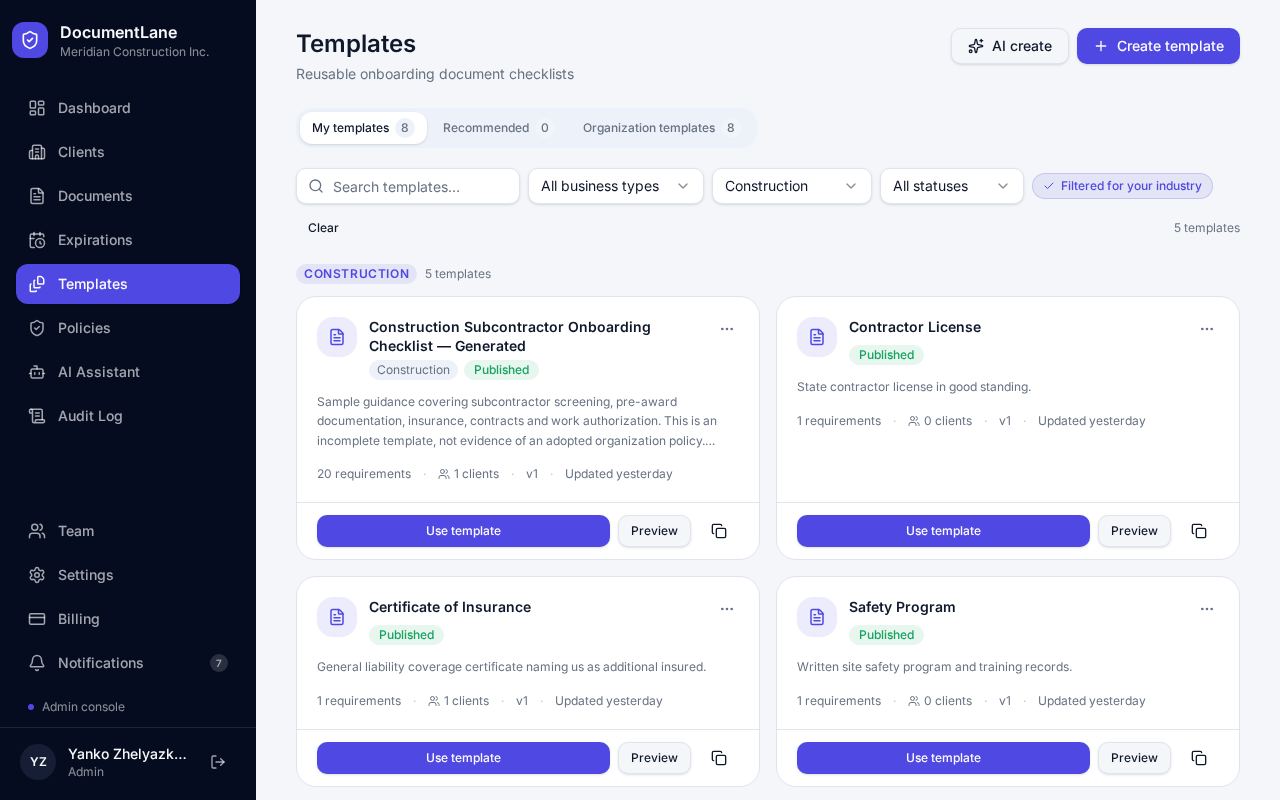
Create a template
- 1Open Templates and click New template.
- 2Give it a name and industry.
- 3Add each document: name, category, whether it's required or optional, whether it expires, and instructions for the client.
- 4Turn on Requires signature for documents the client must e-sign (Professional plan).
- 5Preview it as your client will see it, then Publish.
Versions
Every publish creates a new version. Clients keep the version they were given, so changing a template never surprises anyone mid-onboarding.
Let the AI assistant help
In the template editor, ask the assistant to reorder, rename, mark items optional or remove them. Changes appear right away but are only kept when you click Save.
Still stuck? Email hello@documentlane.com.