 DocumentLane
Creating an account and signing in
Sign up with an early-access code, sign in, reset your password and use sign-in codes.
Create an account
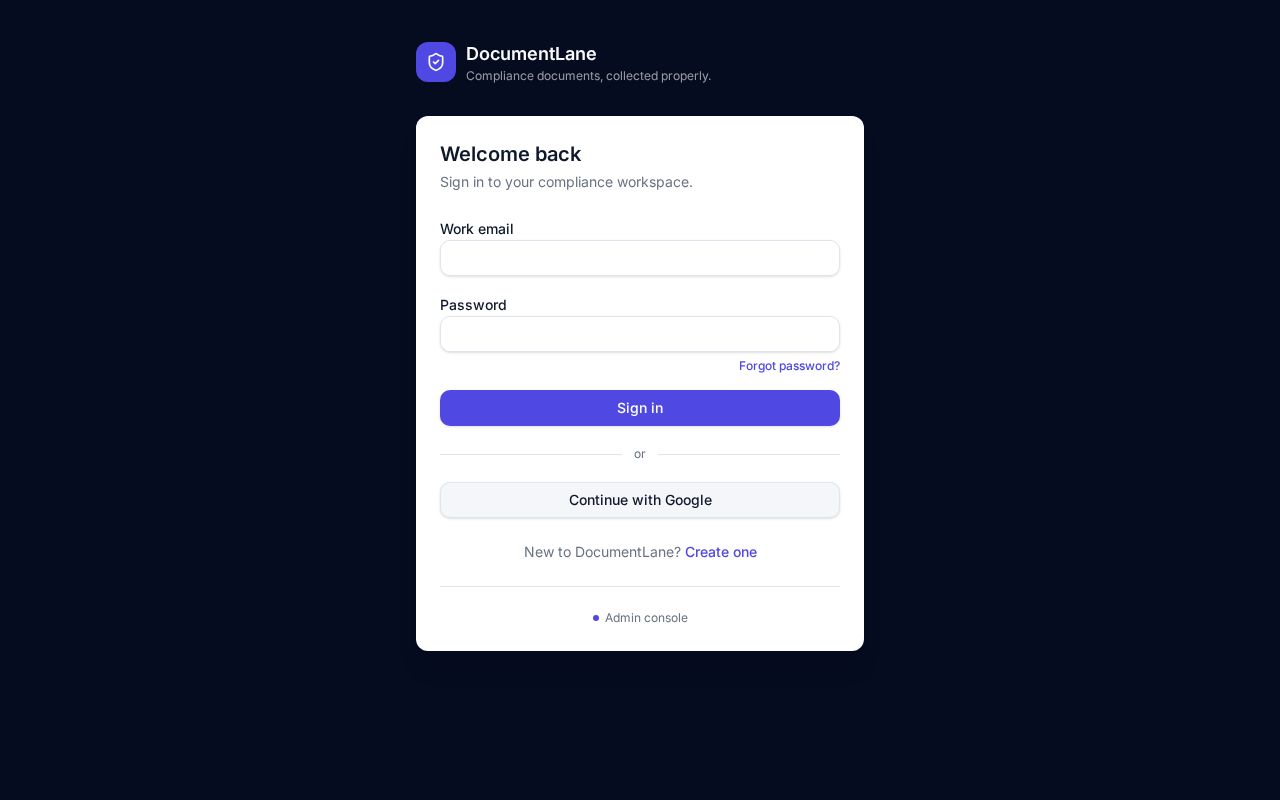
- 1Open the sign-in page and click Create one.
- 2Enter your name, work email, a password and your early-access code.
- 3Complete the quick "I'm human" check and click Create account.
- 4The first person to sign up for a company becomes its admin and is asked to fill in the organization details.
If an attempt fails (for example, the email is already registered), fix it and submit again — no need to reload the page.
Forgot your password?
- 1Click Forgot password? on the sign-in page.
- 2Enter your work email. We'll send you a reset link.
- 3Open the link and choose a new password.
Sign-in codes
If your admin has turned on extra security, you'll be emailed a 6-digit code after entering your password. Codes last 10 minutes. Didn't get it? Check spam, then click Resend after 30 seconds.
Joining a teammate's workspace
Sign up with your work email. If you were invited, use the link in the invitation email to set your password.
Still stuck? Email hello@documentlane.ai.