Adding and managing clients
Create clients, assign a checklist and follow their progress.
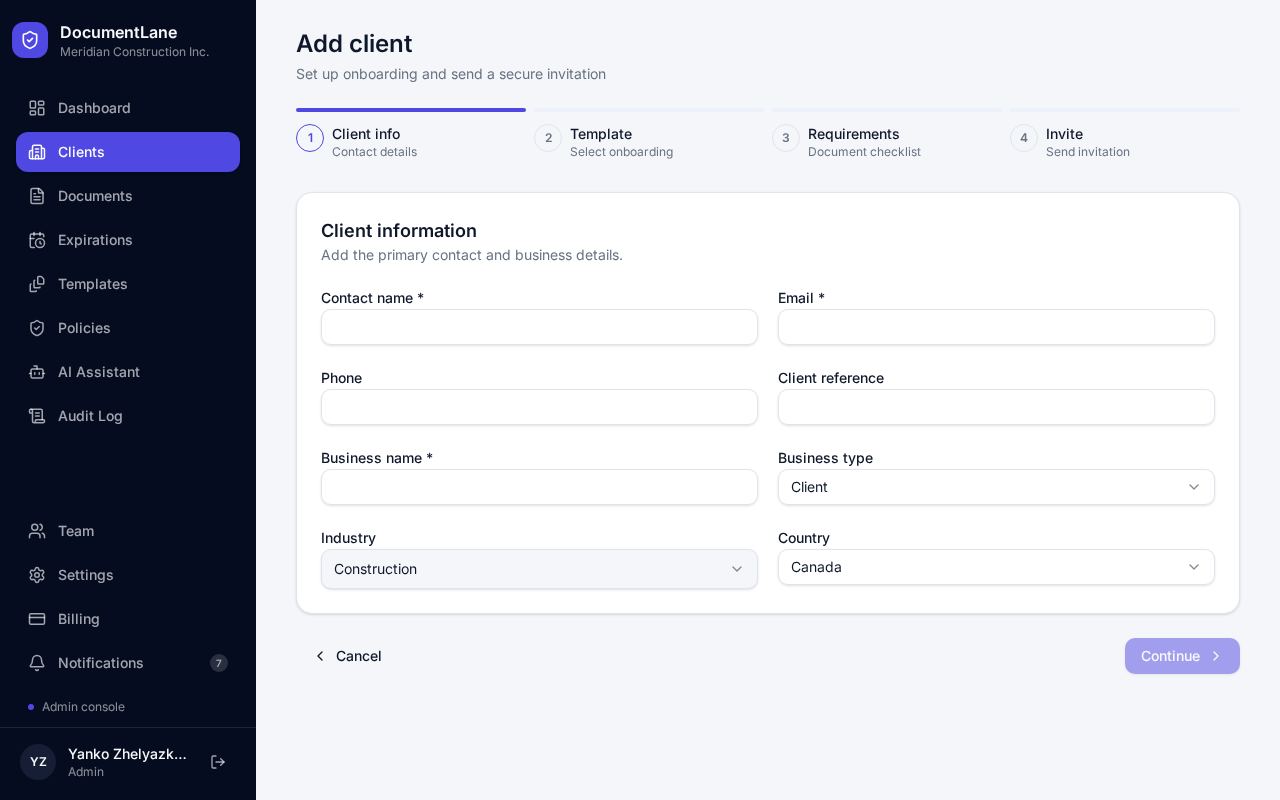
Add a client
- 1Open Clients and click Add client.
- 2Fill in the company name, contact person and email.
- 3Pick an industry. Templates for that industry are shown first, and the recommended one is pre-selected.
- 4Choose Custom Template if you want to build the list from scratch for this client.
- 5Save. The client gets their own portal link.
Status and stage update themselves
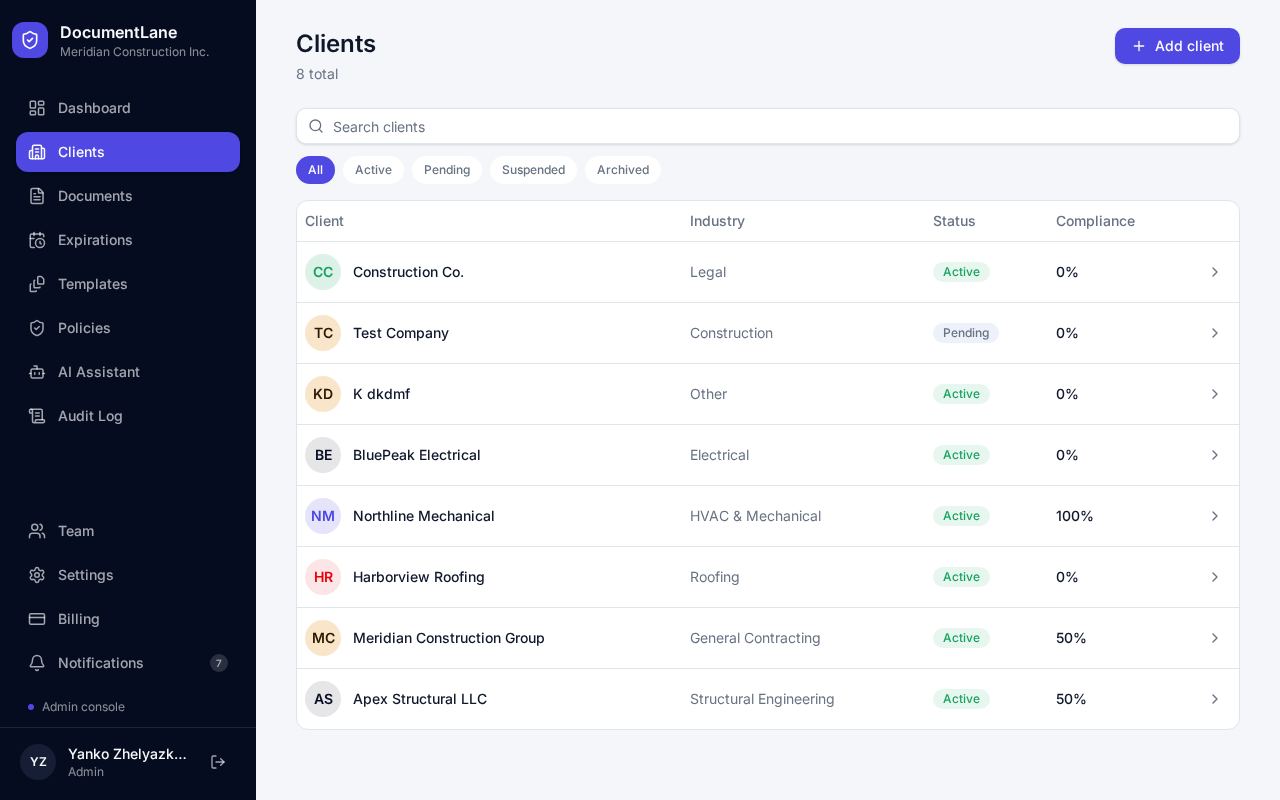
You don't need to move clients along by hand. DocumentLane updates them as things happen:
- First portal visit → Pending Registration / Active
- First document uploaded → In Progress
- All required documents submitted → Awaiting Review
- All required documents approved → Complete
- A rejection or an expired document → back to In Progress
Plan limits
Free includes 3 active clients, Basic 20, Professional 50 and Enterprise unlimited.
Still stuck? Email hello@documentlane.com.